Deleting Clients
To completely remove a client from IRIS Firm Management, use Delete on either the Search results screen or the Recent screen.
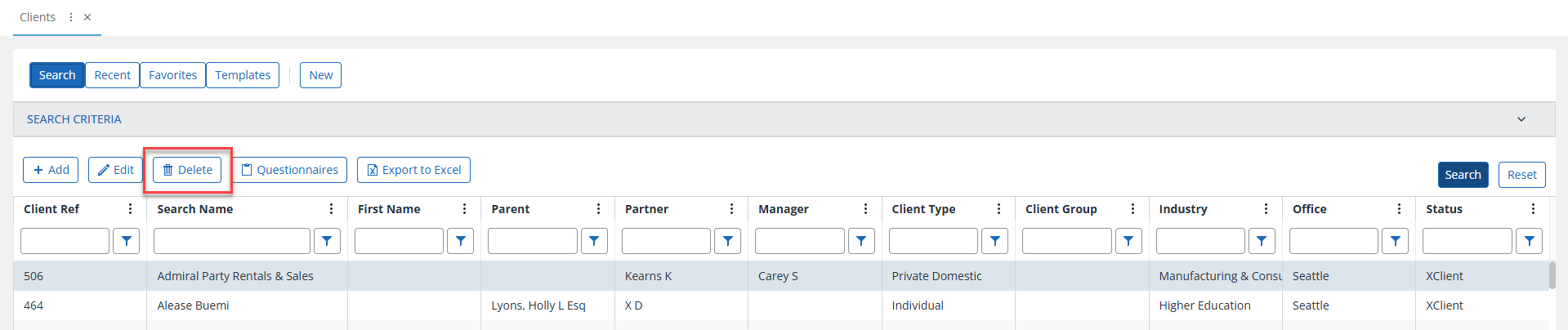

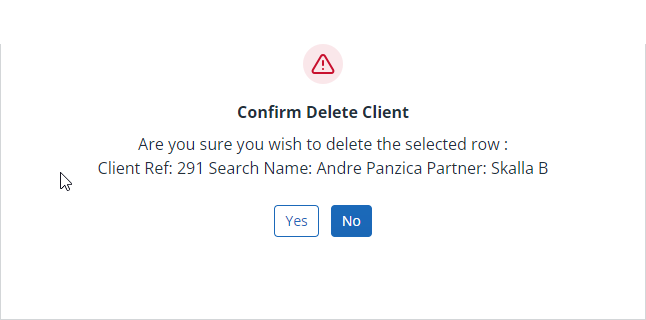
In both places, select the client row you want to delete, then select Delete. A warning message asks you to confirm the deletion.
The Delete process will permanently remove this entry from the system. Use with caution.
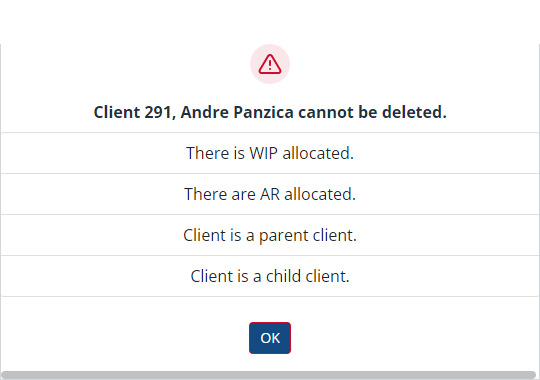
If a client cannot be deleted, the related reasons are shown. Once you have removed any blocks, you can process the deletion again.