Creating and Editing Clients
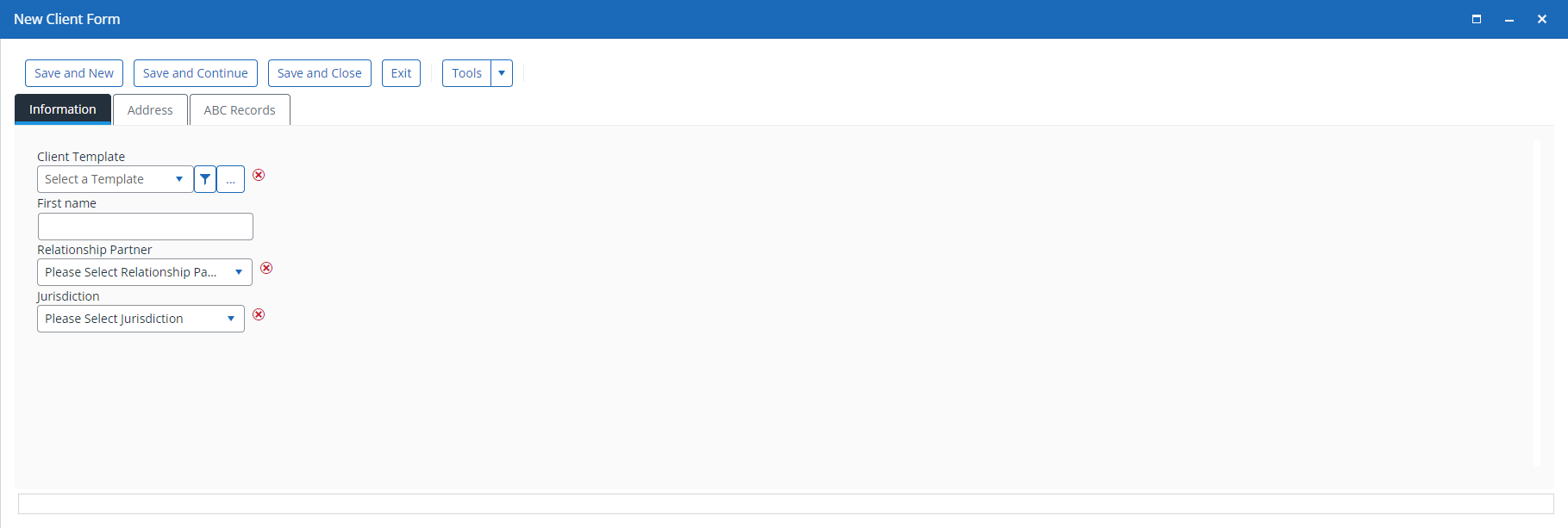
From the main Clients window, use the New screen to add new clients and enter their information.
You can also create clients using Add in the Search, Recent, or Favorites screens.

Add information to the Information, Address, and ABC Records tabs as required.
Once you have entered and saved the information, the client is available for selection or editing.
Small crosses appear next to any required fields. Complete these before using Save.
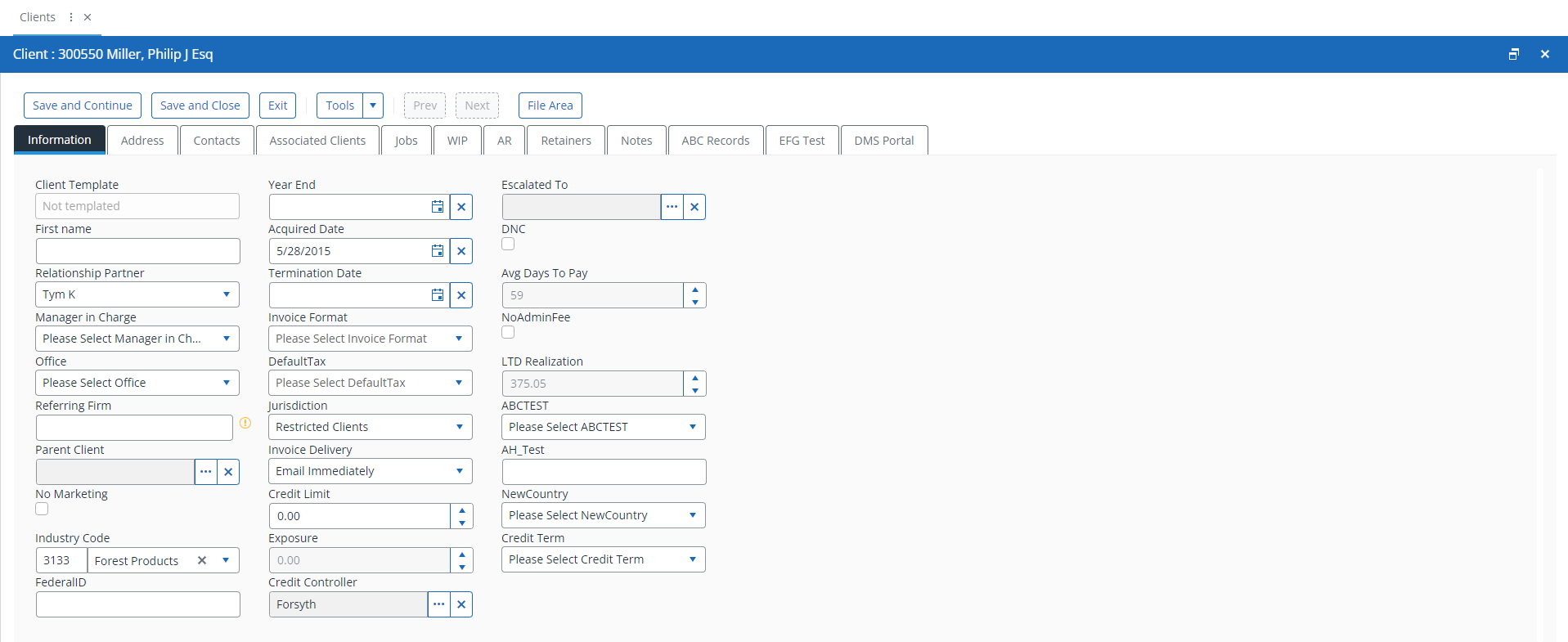
Once created, you can edit the client to add more detail if required.